
Introduction
Social media has become one of the most powerful marketing tools in 2025. Every brand, business, and personal creator is competing for attention on platforms like Instagram, Facebook, LinkedIn, and Pinterest. With endless scrolling and short attention spans, design plays a critical role in whether people stop, engage, or ignore your content.
A well-designed social media post can:
- Grab attention instantly
- Communicate a message quickly
- Increase likes, comments, shares, and saves
- Strengthen brand identity
- Drive traffic and conversions
This guide will teach you how to design social media posts that actually get engagement, not just look good.
You’ll learn:
- What engagement really means
- Design principles for social media
- Content types that perform best
- Step-by-step design process
- Common mistakes to avoid
- Trends shaping social media design in 2025
What Does “Engagement” Mean on Social Media?
Engagement refers to how users interact with your content.
Common Engagement Metrics
- Likes
- Comments
- Shares
- Saves
- Clicks
Good design encourages people to pause, react, and interact instead of scrolling past.

Why Design Is Crucial for Social Media Success
People process visuals much faster than text. On social media, you have 2-3 seconds to grab attention.
Strong Design Helps You
- Stand out in crowded feeds
- Communicate your message instantly
- Build brand recognition
- Improve content performance
Even the best content fails if the design doesn’t attract attention.
Understanding Your Platform Before Designing
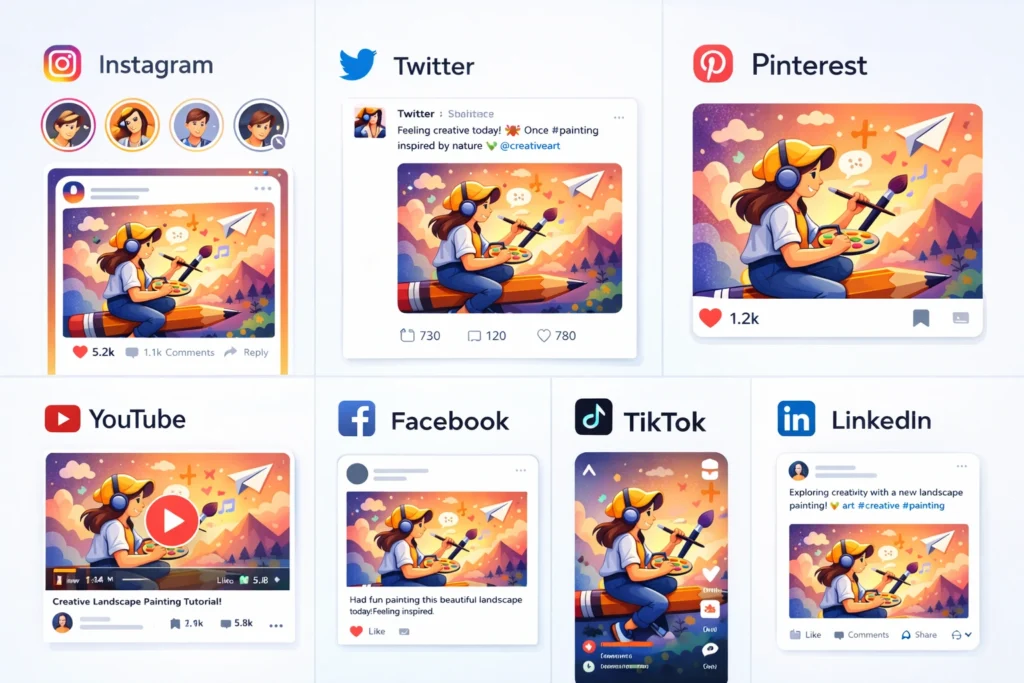
Each platform has a different audience and behavior.
- Visual-first platform
- Bold colors and clean layouts perform well
- Reels covers and carousels are powerful
- Informative visuals
- Clear text and branding
- Engagement-driven content
- Professional and clean design
- Minimal colors
- Value-driven content
- Vertical designs
- Text overlays
- Aesthetic layouts
Designing without considering the platform reduces engagement.
Core Design Principles for High-Engagement Posts
1. Clear Visual Hierarchy
Visual hierarchy guides the viewer’s eye.
How to Create It
- One main focus (headline or image)
- Use size and contrast
- Keep layout simple
If everything stands out, nothing stands out.
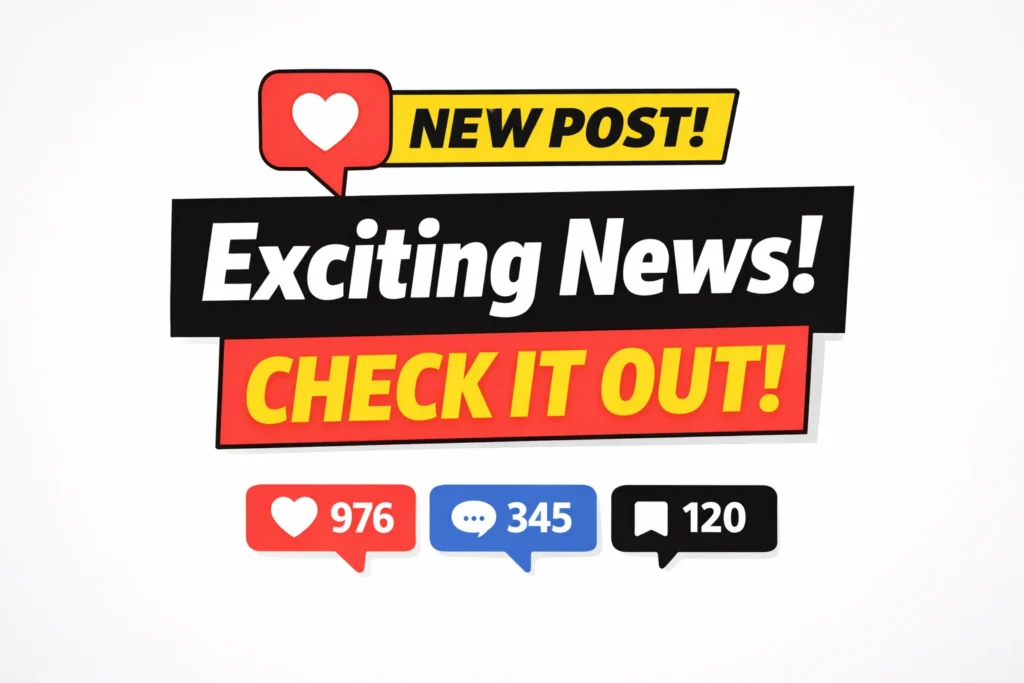
2. Use Bold & Readable Typography
Text on social media must be readable on small screens.
Typography Tips
- Use large fonts
- Avoid thin or decorative fonts
- Limit to 1-2 fonts
- Use contrast between text and background
3. Strong Color Contrast
Colors influence mood and attention.
Best Practices
- Use brand colors consistently
- Ensure text is readable
- Avoid cluttered color combinations
High contrast = higher visibility.
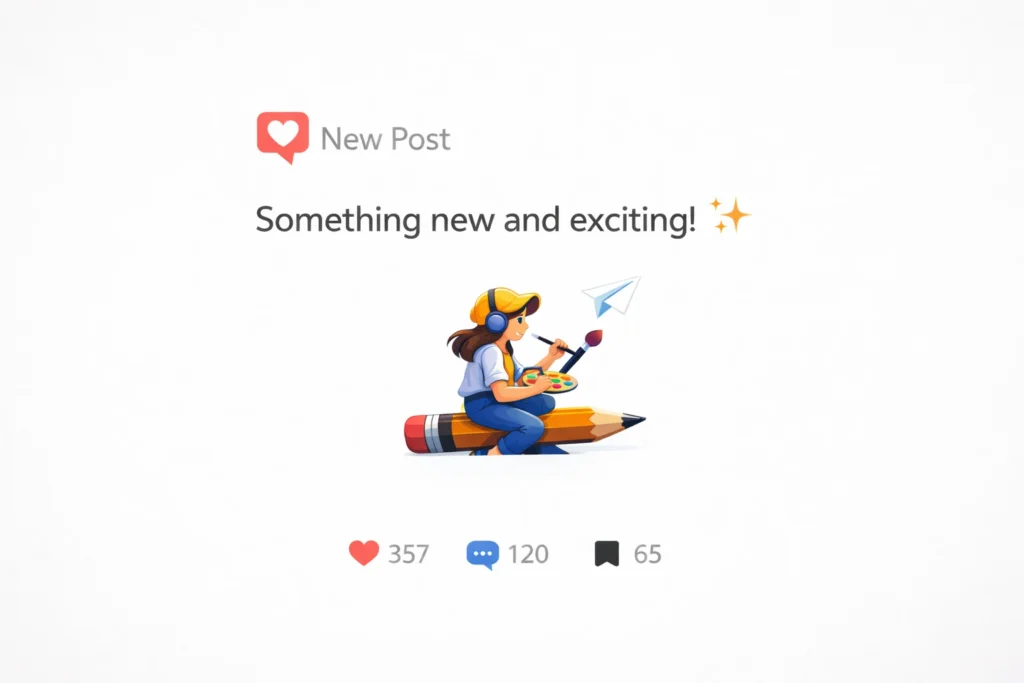
4. Keep Designs Simple
Overloaded designs reduce engagement.
Remember
- One message per post
- Enough white space
- Clear focal point
Simple designs perform better in fast-scrolling feeds.
Content Types That Get the Most Engagement
Design works best when paired with the right content.
High-Performing Content Types
- Tips & educational posts
- Carousel posts
- Quotes & short messages
- Before–after designs
- Tutorials & how-to posts
Design should support the content-not overpower it.
Step-by-Step: How to Design an Engaging Social Media Post
Step 1: Define the Goal
Ask:
- Do you want likes?
- Comments?
- Saves?
- Clicks?
The goal influences the design.
Step 2: Choose the Right Format
Select format based on platform:
- Square
- Vertical
- Carousel
Using the right size improves performance.
Step 3: Create a Strong Headline
Your headline should:
- Be short
- Be clear
- Create curiosity or value
The headline is the first thing users notice.

Step 4: Add Supporting Visuals
Use:
- Images
- Icons
- Illustrations
Visuals should reinforce the message, not distract.
Step 5: Apply Brand Elements
Add:
- Brand colors
- Fonts
- Logo (subtle placement)
Consistent branding builds recognition over time.
Step 6: Add a Call-to-Action (CTA)
Good CTAs improve engagement.
Examples
- “Save this post”
- “Comment your thoughts”
- “Swipe for more”
- “Follow for tips”
Tell people what to do next.

Common Social Media Design Mistakes
Avoid these mistakes if you want engagement:
- Too much text
- Poor contrast
- Inconsistent branding
- Low-quality images
- Copying designs blindly
Mistakes reduce credibility and performance.
Using Templates vs Custom Designs
Templates save time, but customization matters.
Best Approach
- Use templates as a base
- Customize colors, fonts, layout
- Make designs unique to your brand
Originality builds stronger engagement.
Social Media Design Trends for 2025
Popular trends include:
- Minimal layouts
- Bold typography
- Carousel storytelling
- Motion graphics
- Personal branding visuals
Trends should support your content strategy, not replace it.
How Often Should You Post?
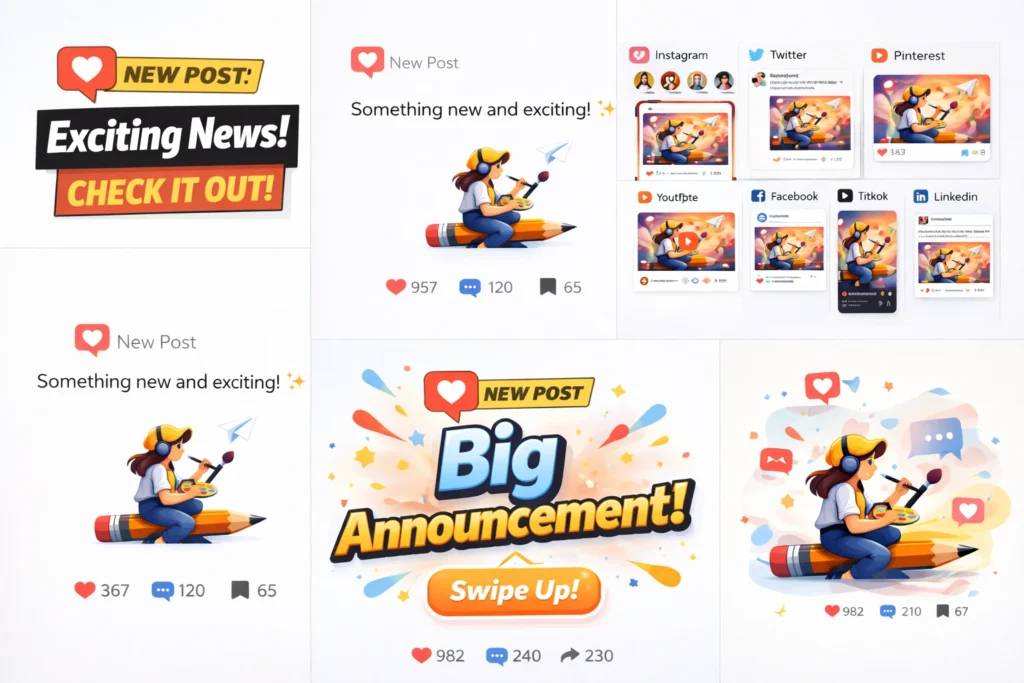
Consistency matters more than frequency.
General Guidelines
- 3-5 posts per week
- Maintain design consistency
- Focus on quality over quantity
Consistent visuals help build trust and recognition.
How to Measure Design Performance
Track what works and improve.
Check Metrics Like
- Engagement rate
- Saves
- Shares
- Clicks
Redesign content that underperforms and repeat what works.
Tools for Designing Social Media Posts
Designers commonly use:
- Canva
- Photoshop
- Figma
Choose tools based on speed, skill, and design complexity.
Conclusion
Designing social media posts that get engagement in 2025 is about clarity, creativity, and consistency. A good social media design grabs attention, communicates quickly, and encourages interaction.
By understanding your audience, applying strong design principles, and staying consistent with branding, you can create social media posts that don’t just look good-but perform well.
Good design turns scrolling into engagement.
