
Introduction
Graphic design in 2025 is faster, smarter, and more accessible than ever before. Whether you are a beginner just starting out or a professional designer handling client projects, the tools you use play a major role in the quality and efficiency of your work.
Today’s graphic designers don’t rely on just one tool. Instead, they use a combination of free, paid, and AI-powered tools for logo design, branding, social media graphics, UI/UX design, illustration, and motion graphics.
This comprehensive guide will help you understand:
- The best free graphic design tools
- The best paid professional design tools
- AI tools transforming graphic design in 2025
- Tools for beginners vs professionals
- How to choose the right tools for your workflow
If you want to save time, improve quality, and work more professionally, this blog is for you.
Why Choosing the Right Graphic Design Tools Matters
Your tools don’t define your creativity, but they support and enhance it.
Benefits of Using the Right Tools
- Faster workflow
- Better design quality
- Professional output
- Improved collaboration
- Scalability for client work
In 2025, designers who master the right tools gain a competitive advantage.
Free vs Paid Graphic Design Tools
Before exploring specific tools, let’s understand the difference.
Free Tools
- Ideal for beginners
- Limited advanced features
- Easy to use
- Budget-friendly
Paid Tools
- Industry-standard features
- Advanced controls
- Better export options
- Professional client-ready output
Many designers start with free tools and gradually move to paid tools as their skills grow.
Best Free Graphic Design Tools for 2025
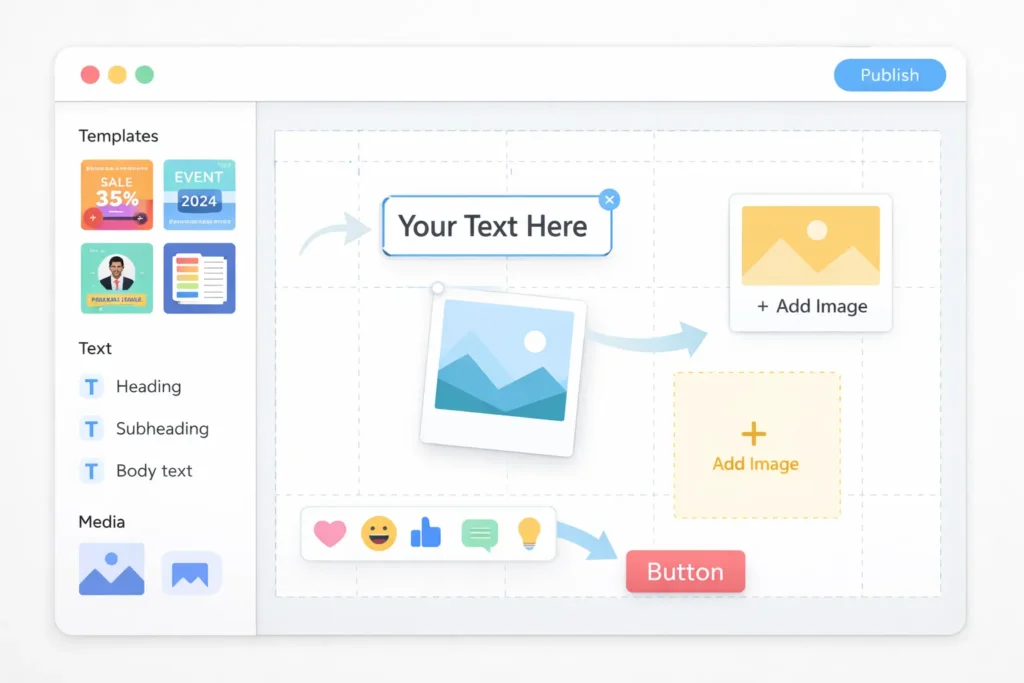
1. Canva (Free Version)
Canva is one of the most popular graphic design tools for beginners and non-designers.
Best For
- Social media posts
- Presentations
- Posters
- Thumbnails
Why Designers Love It
- Drag-and-drop interface
- Thousands of templates
- Fast design creation
Limitations
- Limited customization
- Not ideal for complex branding
2. GIMP
GIMP is a powerful free alternative to Photoshop.
Best For
- Photo editing
- Image manipulation
- Digital art
Why It’s Useful
- Open-source
- Advanced editing features
- Customizable
Limitations
- Steeper learning curve
- Interface not beginner-friendly
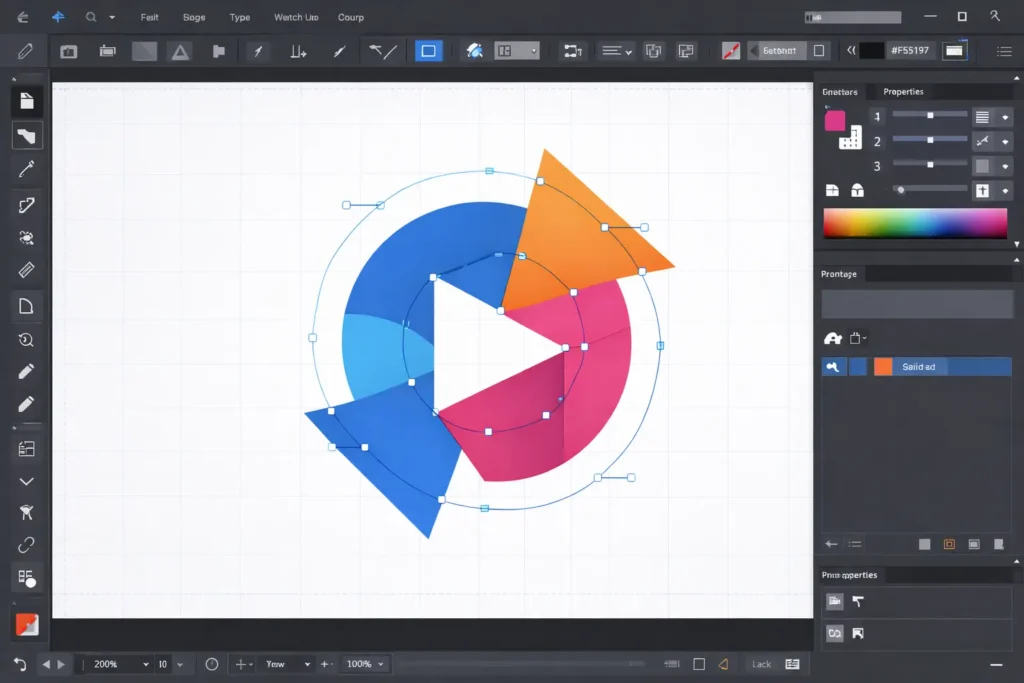
3. Inkscape
Inkscape is a free vector design tool.
Best For
- Logo design
- Icons
- Illustrations
Why Designers Use It
- Vector-based
- Scalable designs
- Free alternative to Illustrator
4. Krita
Krita is excellent for digital artists and illustrators.
Best For
- Digital illustration
- Sketching
- Concept art
Why It’s Popular
- Natural drawing tools
- Tablet-friendly
- Free and powerful
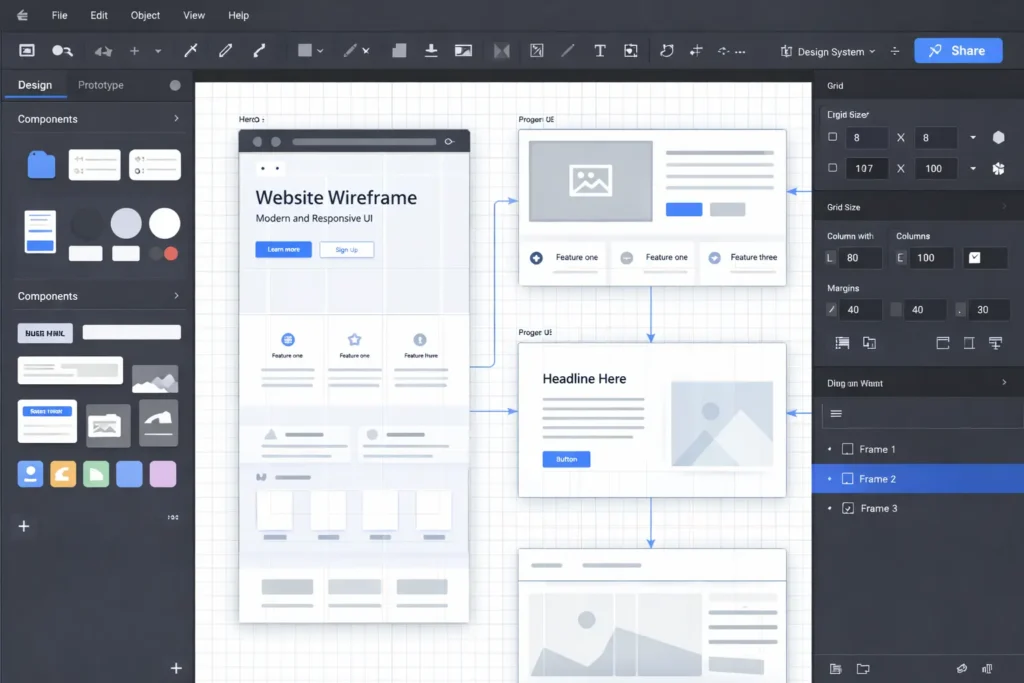
5. Figma (Free Plan)
Figma is widely used for UI/UX and web design.
Best For
- Website layouts
- App interfaces
- Wireframes
Why Designers Love It
- Cloud-based
- Real-time collaboration
- Easy sharing
Best Paid Graphic Design Tools for Professionals
6. Adobe Illustrator
Adobe Illustrator is the industry standard for vector design.
Best For
- Logo design
- Branding
- Icons
- Illustrations
Why It’s Essential
- Precise vector control
- Industry acceptance
- High-quality output
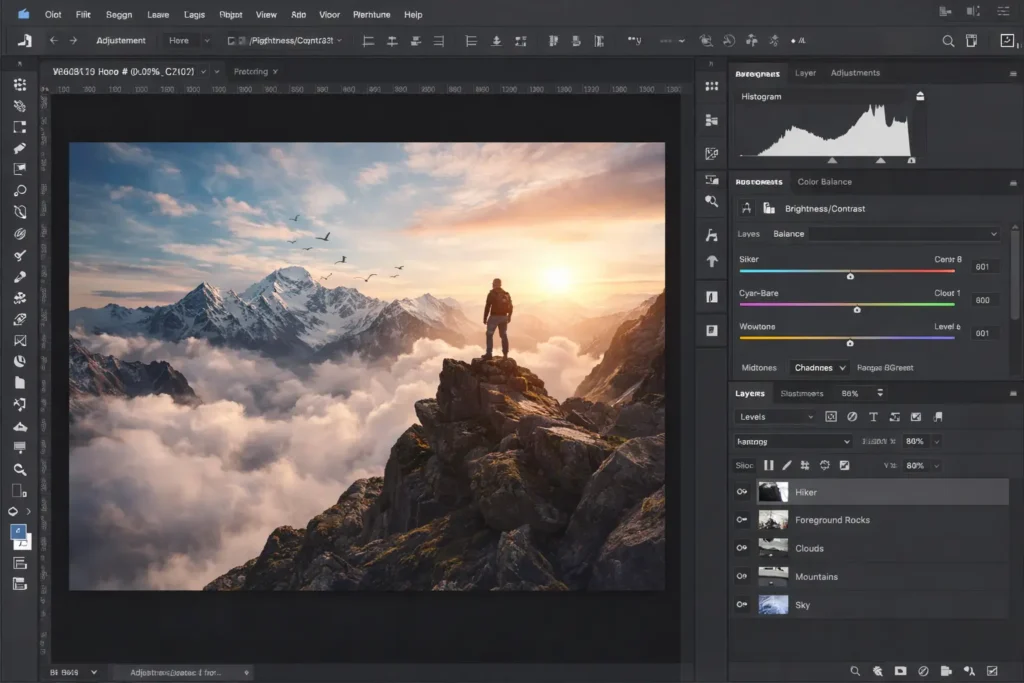
7. Adobe Photoshop
Photoshop remains one of the most powerful design tools.
Best For
- Image editing
- Photo manipulation
- Social media creatives
- Mockups
Why Professionals Use It
- Advanced editing
- Powerful effects
- Endless possibilities
8. Adobe InDesign
InDesign is ideal for print and publication design.
Best For
- Brochures
- Magazines
- Books
- Reports
Why It Matters
- Print accuracy
- Typography control
- Layout precision
9. Figma (Professional Use)
Figma’s paid plans unlock advanced features.
Best For
- Large UI/UX projects
- Design systems
- Team collaboration
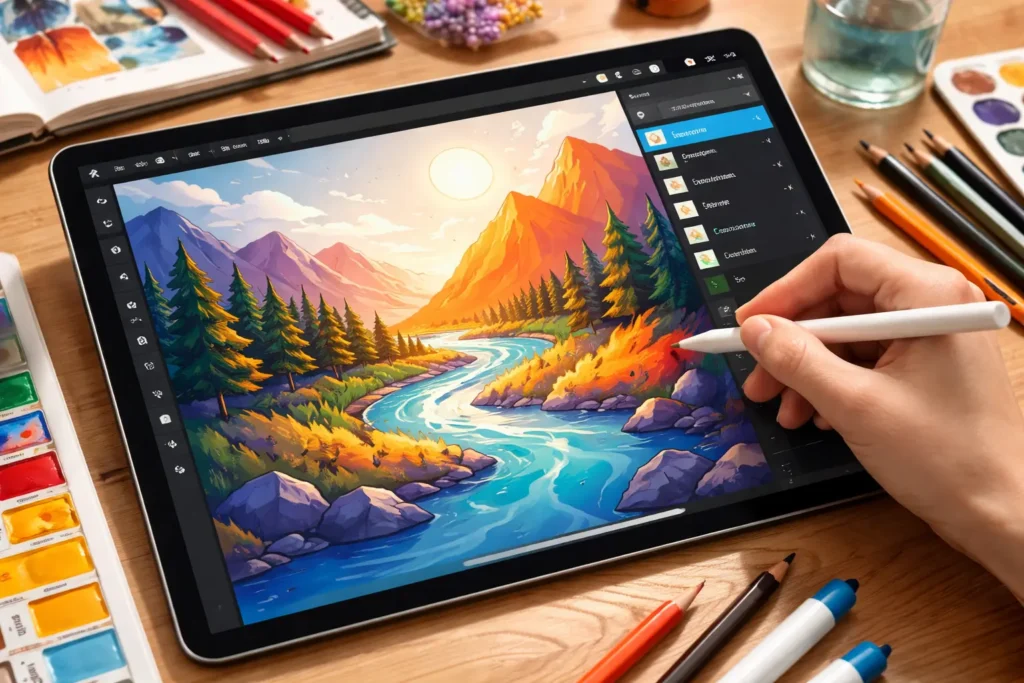
10. Procreate
Procreate is a favorite among illustrators.
Best For
- Digital illustration
- Hand-drawn artwork
- iPad users
Why It’s Popular
- Natural drawing experience
- High performance
- Affordable one-time cost
AI-Powered Graphic Design Tools (2025 Game Changers)
AI tools are transforming how designers work.
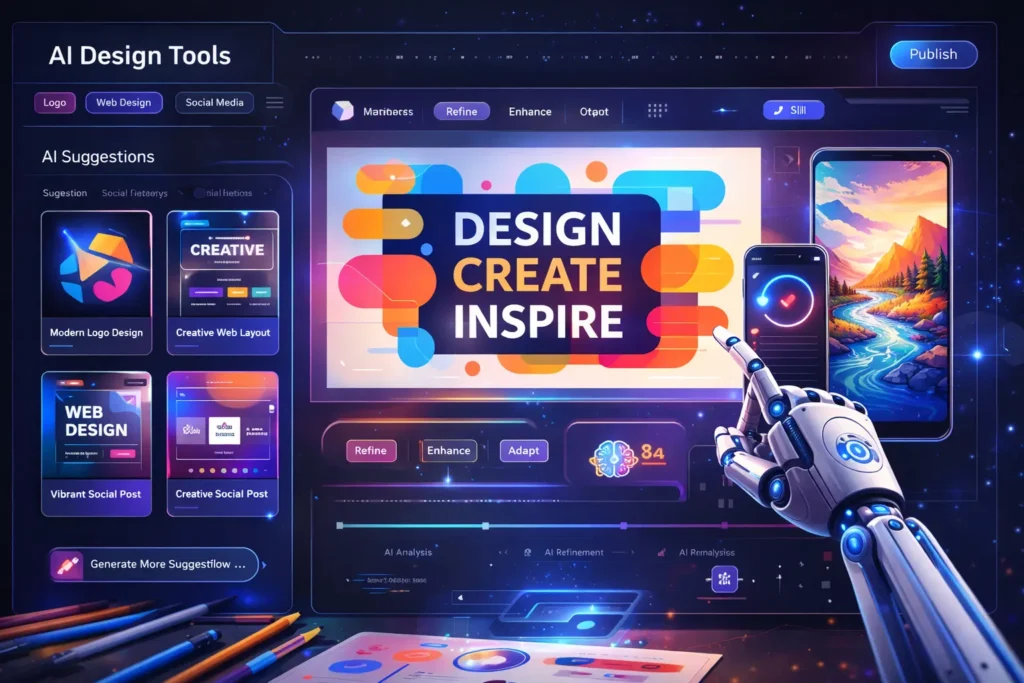
11. AI Design Assistants
AI helps with:
- Layout suggestions
- Color palette generation
- Font pairing
- Design variations
AI boosts productivity without replacing creativity.
12. AI Image Generation Tools
Used for:
- Concept art
- Backgrounds
- Creative visuals
Designers use AI for inspiration and mockups.
Tools for Branding & Color Selection
Designers use additional tools for branding tasks.
Common Uses
- Color palette creation
- Font pairing
- Brand mood boards
These tools help maintain consistency.
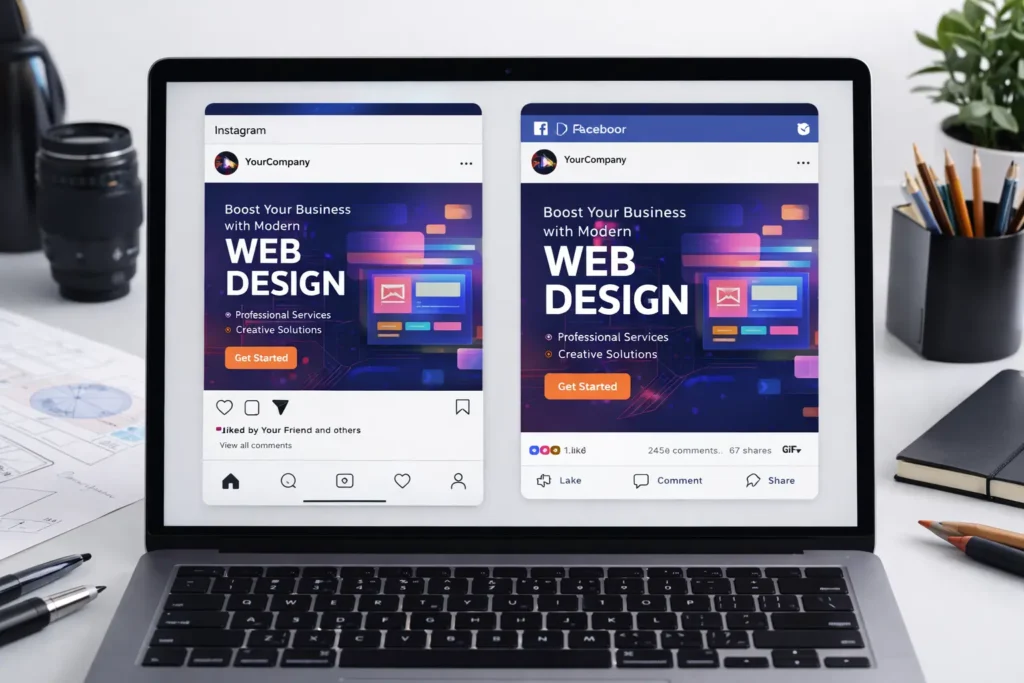
Tools for Social Media Design
Social media demands fast and frequent content.
Features Designers Need
- Pre-sized templates
- Quick exports
- Easy text editing
Tools like Canva and Photoshop dominate this space.
Tools for Motion Graphics
Motion design is in high demand.
Used For
- Animated logos
- Social media reels
- Video intros
Motion tools help designs feel alive.
How to Choose the Right Graphic Design Tools
Choosing tools depends on:
- Skill level
- Budget
- Design goals
- Project type
For Beginners
Start with:
- Canva
- Figma (free)
- GIMP
For Professionals
Invest in:
- Adobe tools
- Figma Pro
- Procreate
Free vs Paid: Which Is Better?
There is no “one-size-fits-all.”
Best Approach
- Learn basics with free tools
- Upgrade when you need advanced features
- Combine tools for efficiency
Many professionals still use free tools alongside paid ones.
Common Tool-Related Mistakes
Avoid these mistakes:
- Using too many tools
- Ignoring learning fundamentals
- Depending only on templates
- Not updating skills
Tools support creativity, they don’t replace it.
Future of Graphic Design Tools
In the future, tools will become:
- Smarter
- Faster
- More collaborative
- AI-integrated
Designers who adapt will thrive.
Conclusion
Graphic design tools in 2025 offer endless possibilities for creativity and efficiency. From beginner-friendly free tools to professional paid software and AI-powered platforms, designers have more options than ever.
The key is not using every tool-but choosing the right tools for your goals. Mastering even a few tools deeply can help you create powerful designs, attract clients, and grow your career.
